2D to 3D Image Converter
2D to 3D Image Converter
Upload your character art for a 3D-style makeover, or describe an original character to create 3D anime art.
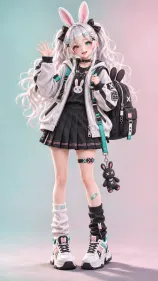
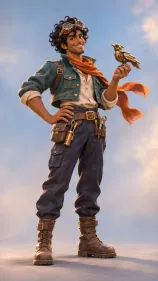
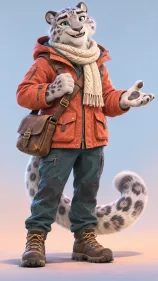
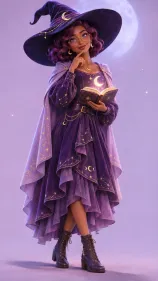
2D to 3D Image Converter
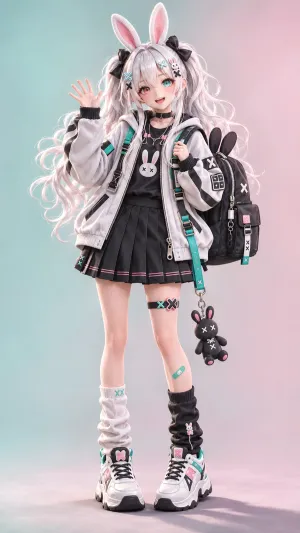
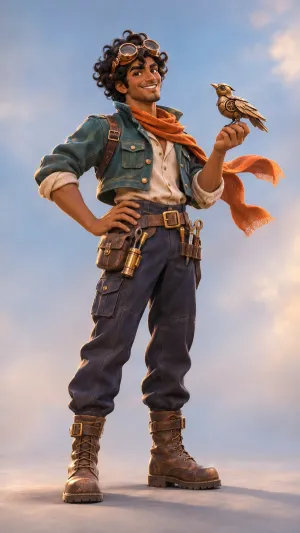
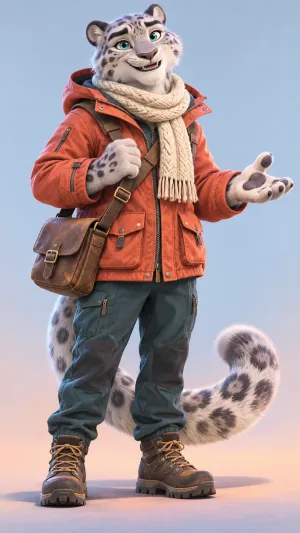
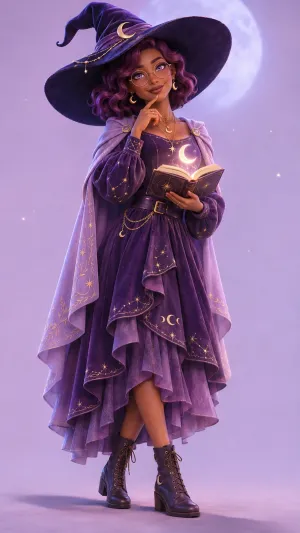
3D Anime Art Ideas for Your Next Character
Explore full-body character ideas, from a fox-eared courier to a bubblegum robot. Try a gallery prompt and swap in your own outfit, pose, or color palette.
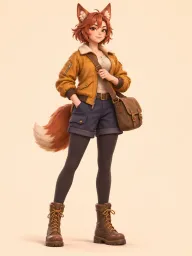
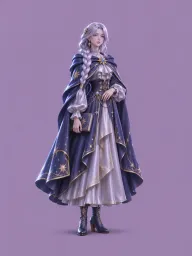
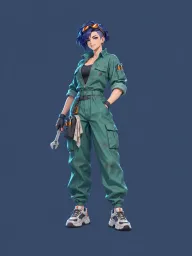
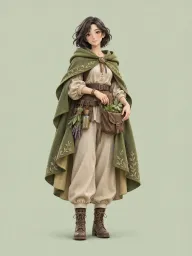
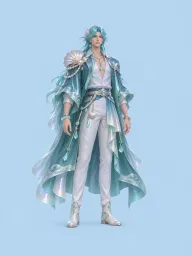
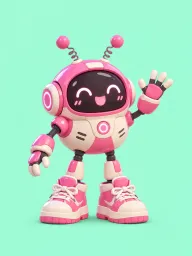
A 3D Makeover That Still Looks Like Your OC
Give your character’s hair, outfit, and accessories a sculpted look with light and shadow. Start with a drawing or illustration and use Character Details to call out signatures like a silver streak or a favorite jacket.
Building a character from scratch? Describe their look, or design a reference with the OC Maker and bring that image here.
How to Turn a 2D Image Into 3D Anime Art
Start with your character art or a short description.
Upload an Image or Describe Your Character
Use a sketch or illustration where the character is easy to see. If you’re starting from text, describe their hairstyle, outfit, colors, and expression in Character Details.
Set Up Your Image and Generate
Choose your aspect ratio, resolution, and number of images. Add any details you want to emphasize, then generate your 3D-style artwork.
Pick and Save Your Favorite
Review your results and download the image that best captures your character.
3 Ways to Use Your 3D Character Art
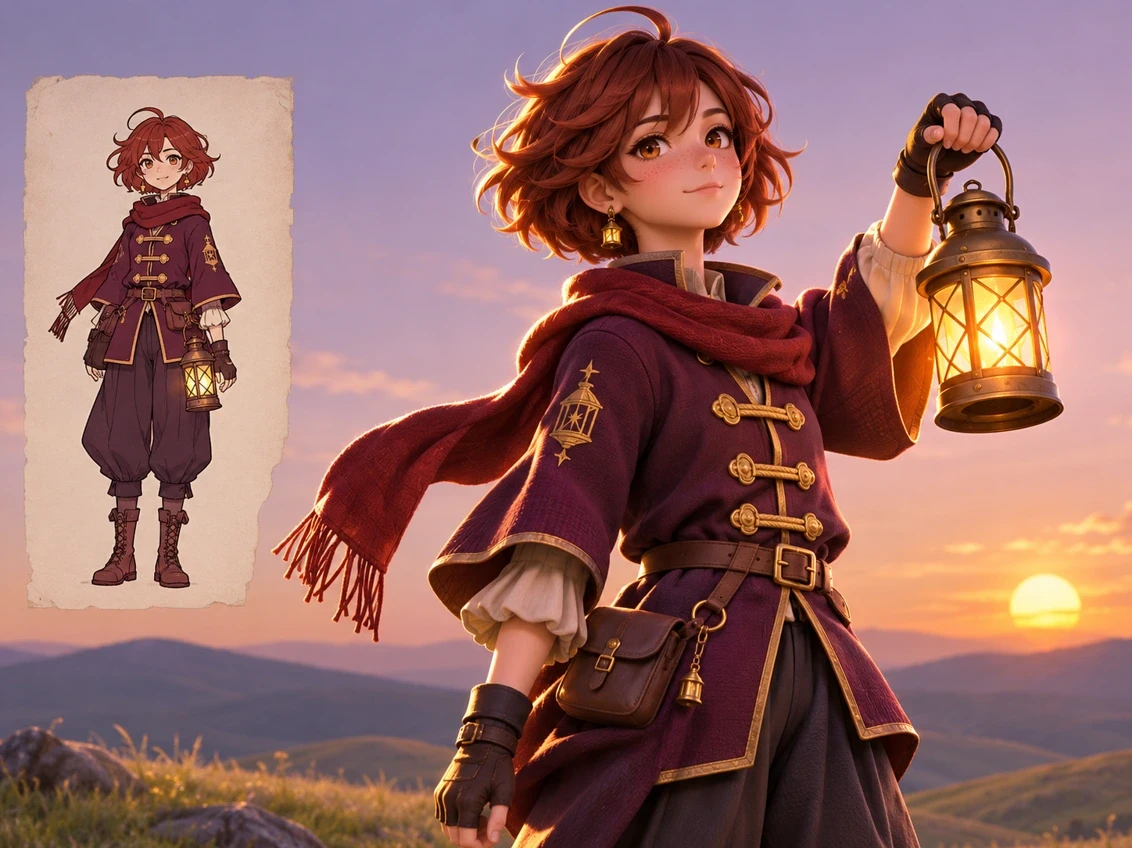
Reimagine a Favorite OC
Turn a flat sketch into a dimensional character portrait for your OC profile or art gallery. A clean reference makes features like a signature haircut or jacket easier to see.
Visualize a Character Idea
Give a new story character their first look. Describe the outfit, silhouette, and expression to explore a design you can build on.
Create Art for Your Character’s Story
Make a full-body illustration for a character introduction, profile banner, or story post. Add a lighting note to match the scene, like a soft moonlit rim or a warm lantern glow.
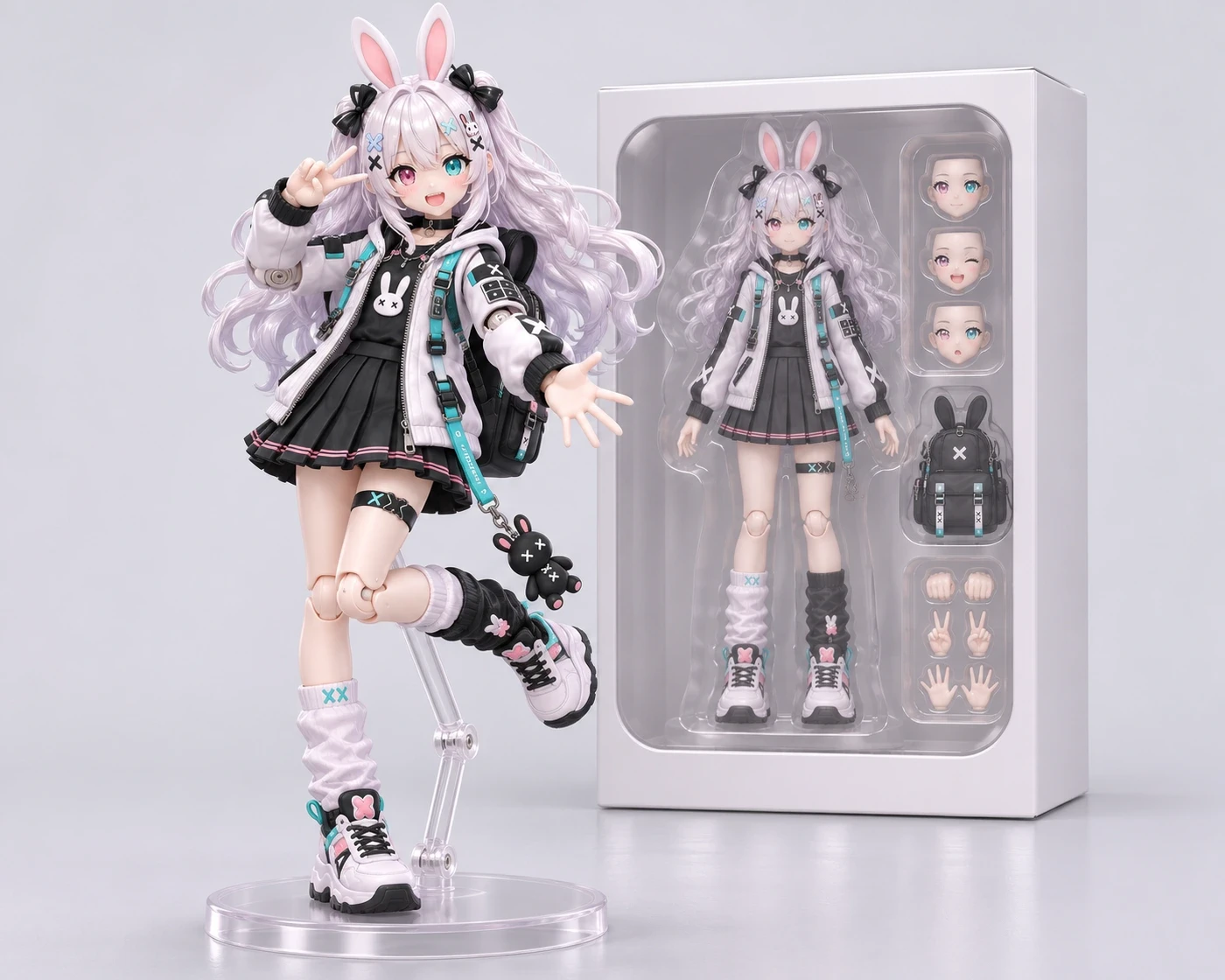
Explore More Character Effects
2D to 3D FAQ
Find out what to upload, how to start from text, and what you’ll get.