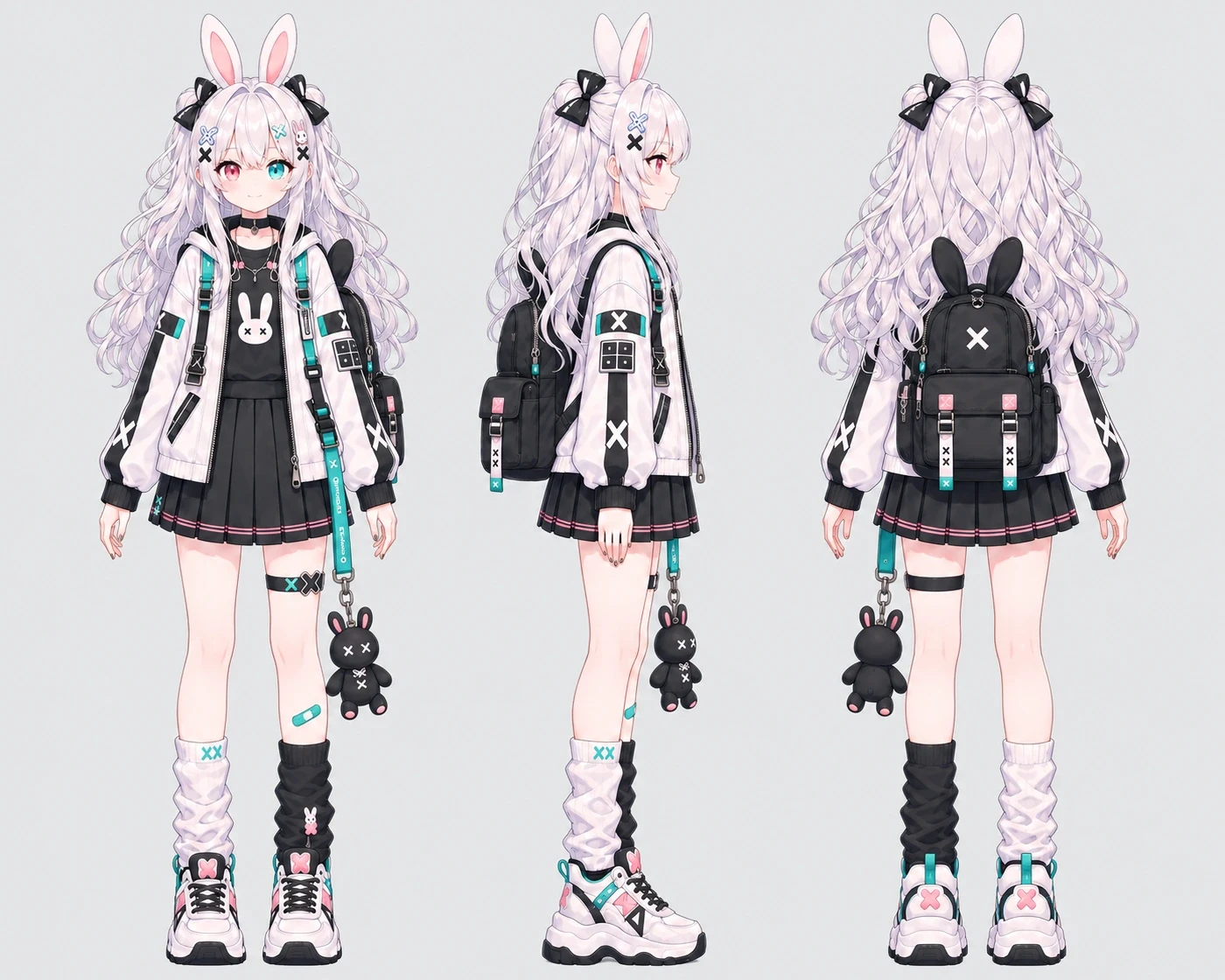
Idle Animation Generator
Idle Animation Generator
Upload a still image of your OC to make a video with soft breathing, a natural blink, and subtle movement.
Idle Animation Generator
What Is an Idle Animation?
An idle animation is the small movement a character makes at rest, like taking a breath or blinking while standing still. Oriwake uses your uploaded illustration as the reference for a short character idle animation video. The effect is designed around the character's original pose and art style, with light movement in the hair and clothing.
How to Make an Idle Animation from an Image
Start with a still of your character and choose how you want the video framed.
Upload Your Character Art
Choose a clear illustration of one character. A full-body image with space around the silhouette gives the motion room to read.
Choose Your Video Settings
Select the aspect ratio, video resolution, and number of versions you want to generate.
Generate and Preview
Generate the video and watch the result. Check how the breathing and blink read at playback speed.
What You Can Make with an Idle Animation
Animated OC Intros
Give a character reveal a few quiet seconds of motion so viewers can take in the design. Still working on the character? Start with the OC Maker.
Quiet Character Moments
Have your character pause for a breath in a visual story. Use a resting-pose clip between scenes or alongside a short piece of dialogue.
Motion Studies for Your Portfolio
Place the video next to your original illustration to show how a blink and a little movement in the fabric change the feel of the same pose.