Character Turnaround Sheet Generator
Character Turnaround Sheet Generator
Upload one image of your OC to see full-body front, side, and back views together.
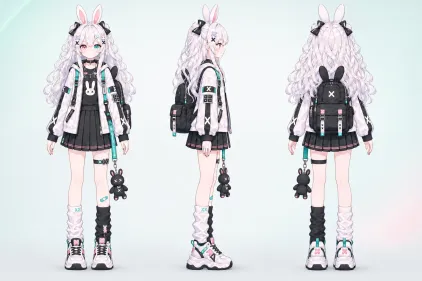
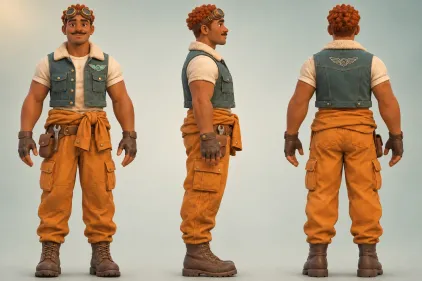
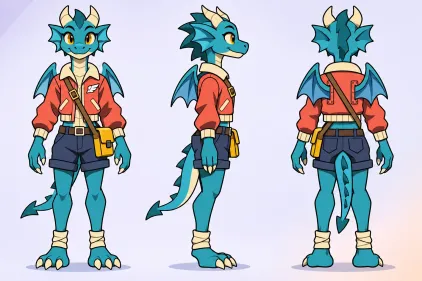
Character Turnaround Sheet Generator
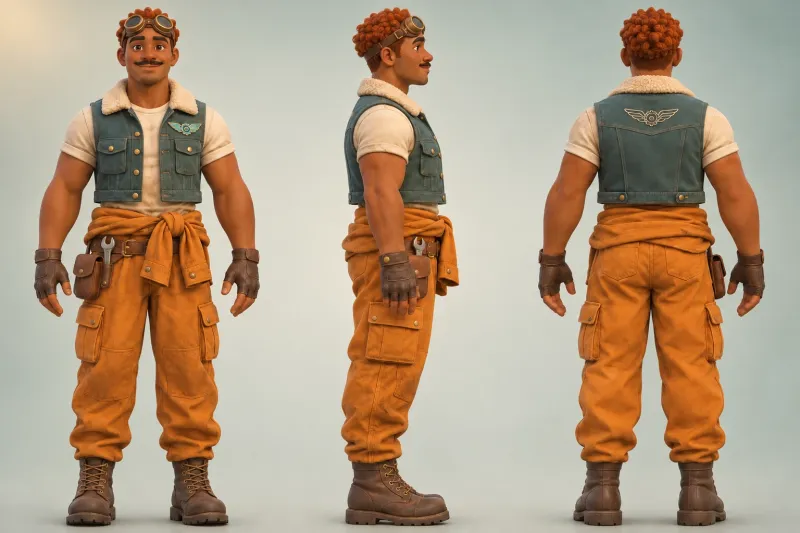
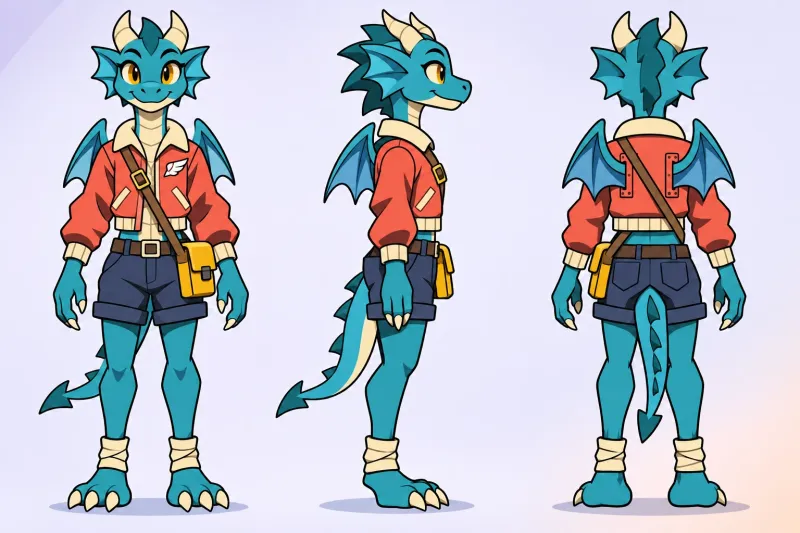
How to Make a Character Turnaround Sheet
Start with a character image you already have and create a reference you can use for your next project.
Upload a Character Image
Choose a clear image with one character. A full-body reference gives the generator more of the hairstyle, outfit, and footwear to work from.
Generate Your Three Views
Choose an aspect ratio and generate the sheet. A landscape layout gives the three full-body views more room side by side.
Review and Save the Sheet
Check the side and back for details the source image may hide, such as a hood, a hair tie, or a backpack strap. Download the image when it’s ready to use.
Put Your Turnaround Sheet to Work
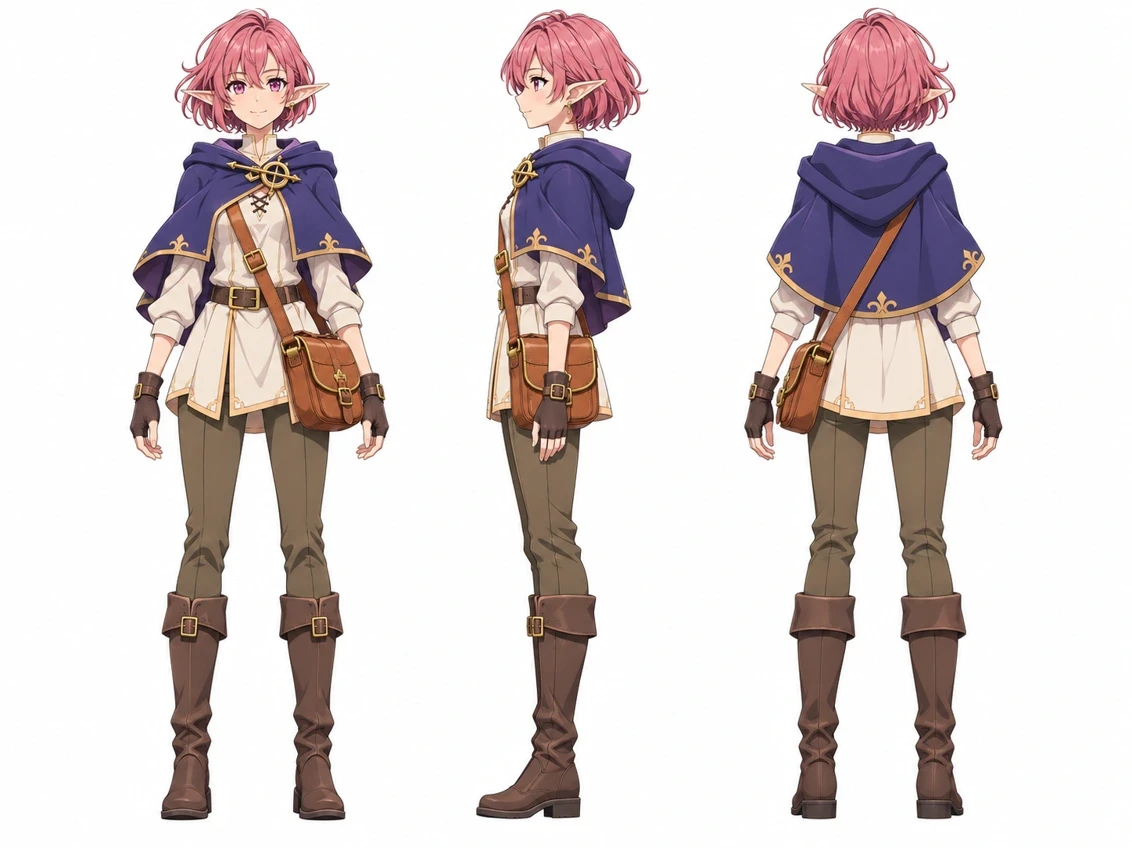
Brief an Artist for an OC Commission
Share one reference image that shows the face, profile, and back of the outfit. Mark any details the artist should keep, such as which shoulder carries a bag or where a cape fastens. Need a character design first? Start with Oriwake’s OC Maker.
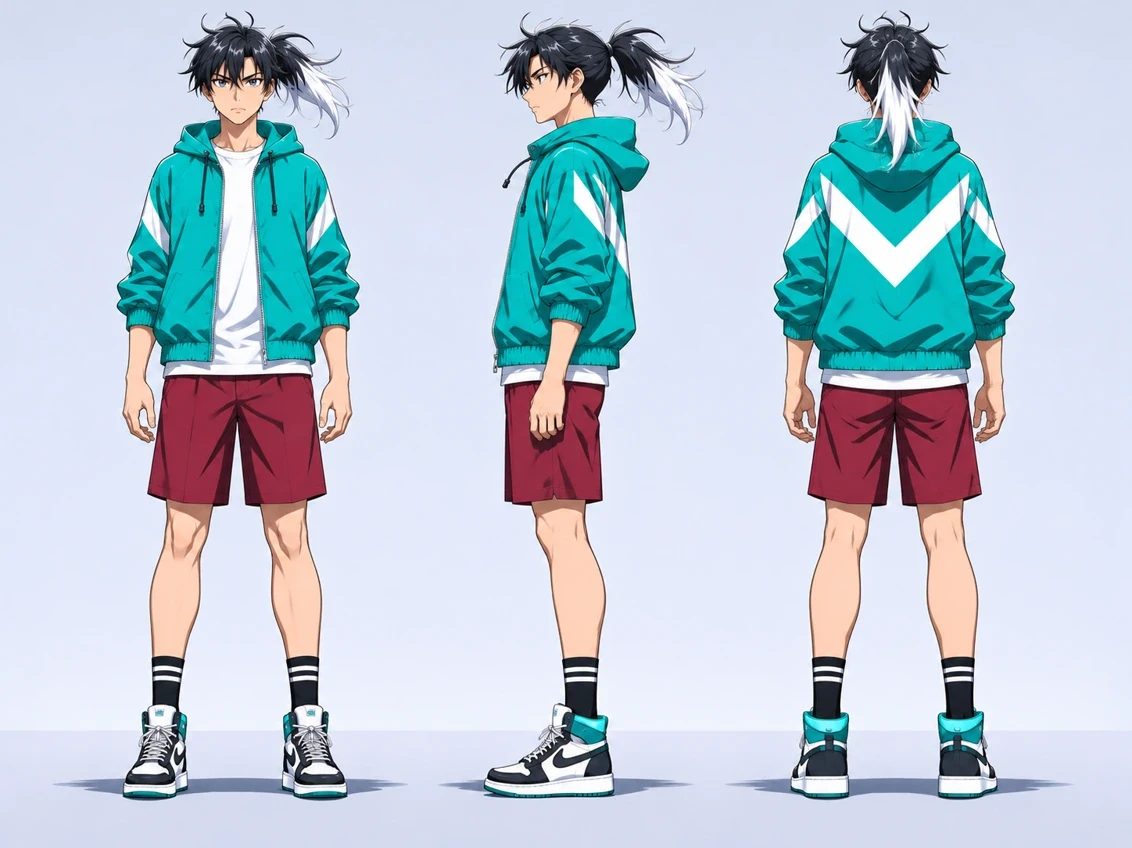
Keep Your Character Recognizable Across Panels
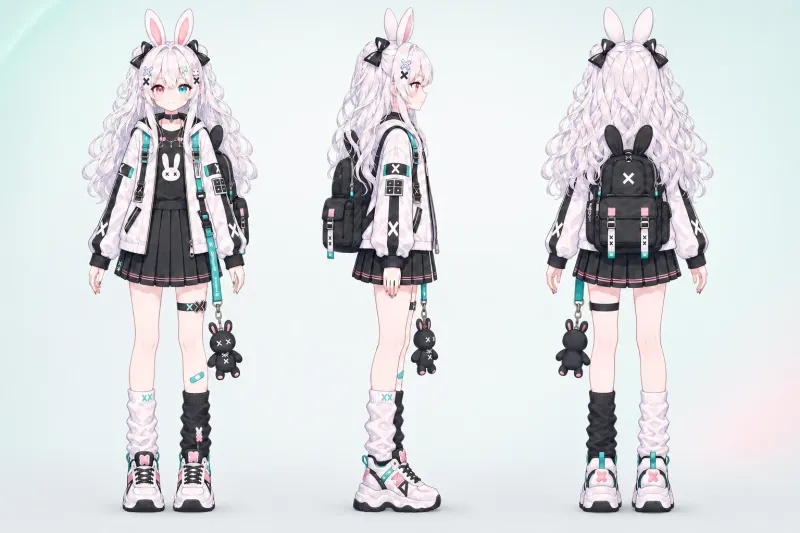
Keep an anime character turnaround sheet nearby as you draw. Use the front view to check facial features, the profile to check the silhouette, and the back to check hair and outfit details. Refer back to those details when drawing a new comic panel or planning an animation shot.
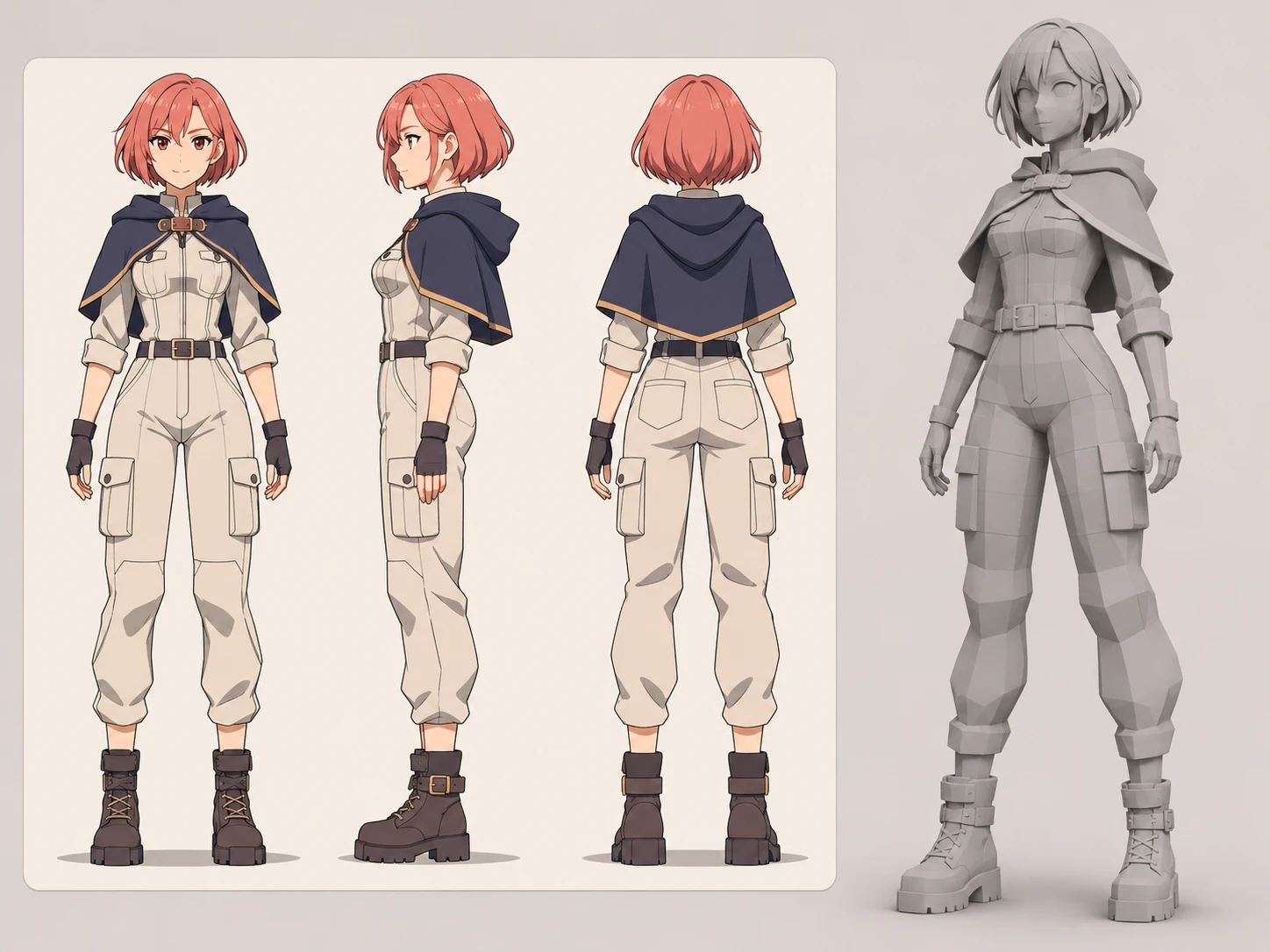
Plan a 3D Character From a 2D Reference
Compare the three views when blocking out the head, clothing, and accessories. Review any inferred details against your design before you build the model.
What’s on Your Character Turnaround Sheet
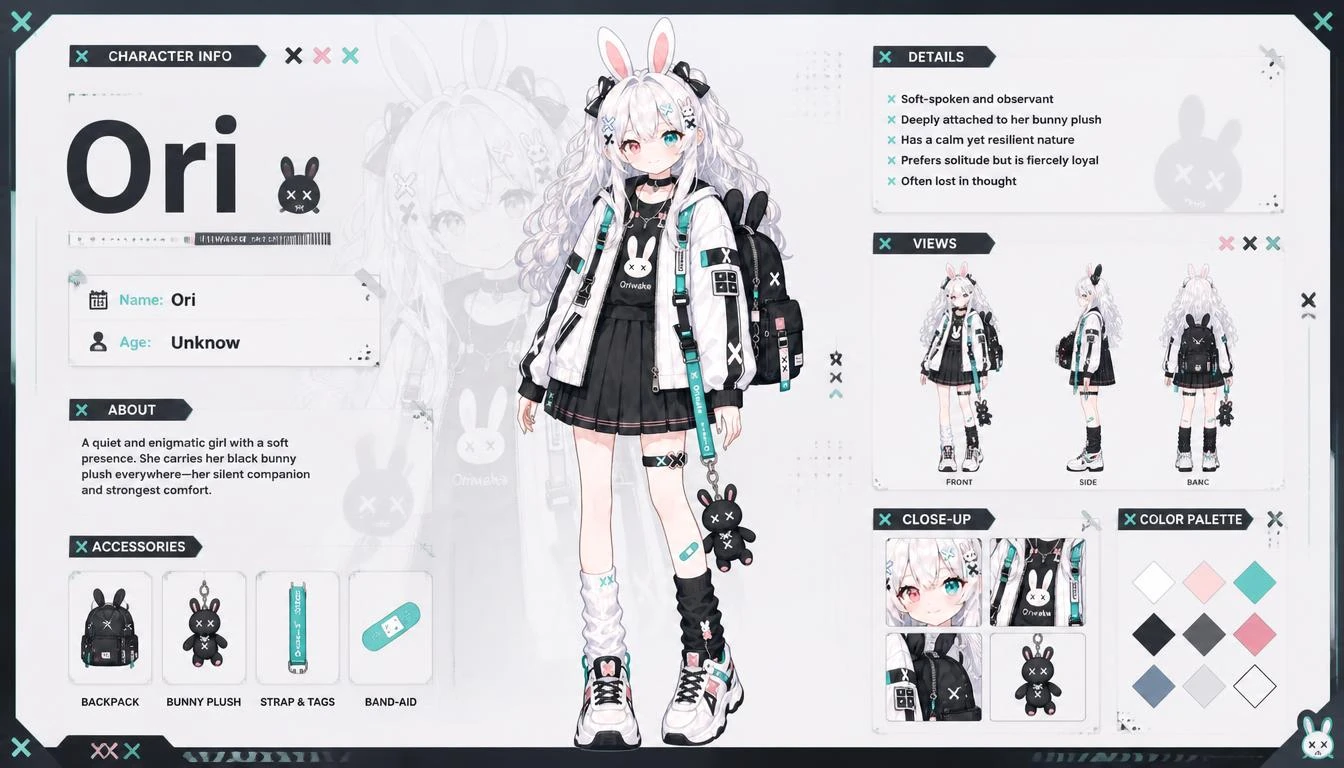
The sheet brings three full-body angles together so you can compare the same design side by side.
Your Character as the Starting Point
The uploaded image guides the art style, proportions, hair, colors, outfit, and accessories.
Front, Side, and Back Views
See how the same design reads head-on, in profile, and from behind. A neutral stance makes the silhouette and outfit easier to compare.
All Three Views in One Image
Keep the angles together when you share the design or refer back to it during your next drawing.
Explore More Character Effects
Character Turnaround Sheet FAQ
Find out what to upload, what the sheet shows, and how to use the result.