OC Coming to Life Video Effect
OC Coming to Life Video Effect
Upload your character art and make a short video of your OC bursting through a computer screen into the real world.
OC Coming to Life Video Effect
What Is the OC Coming to Life Effect?
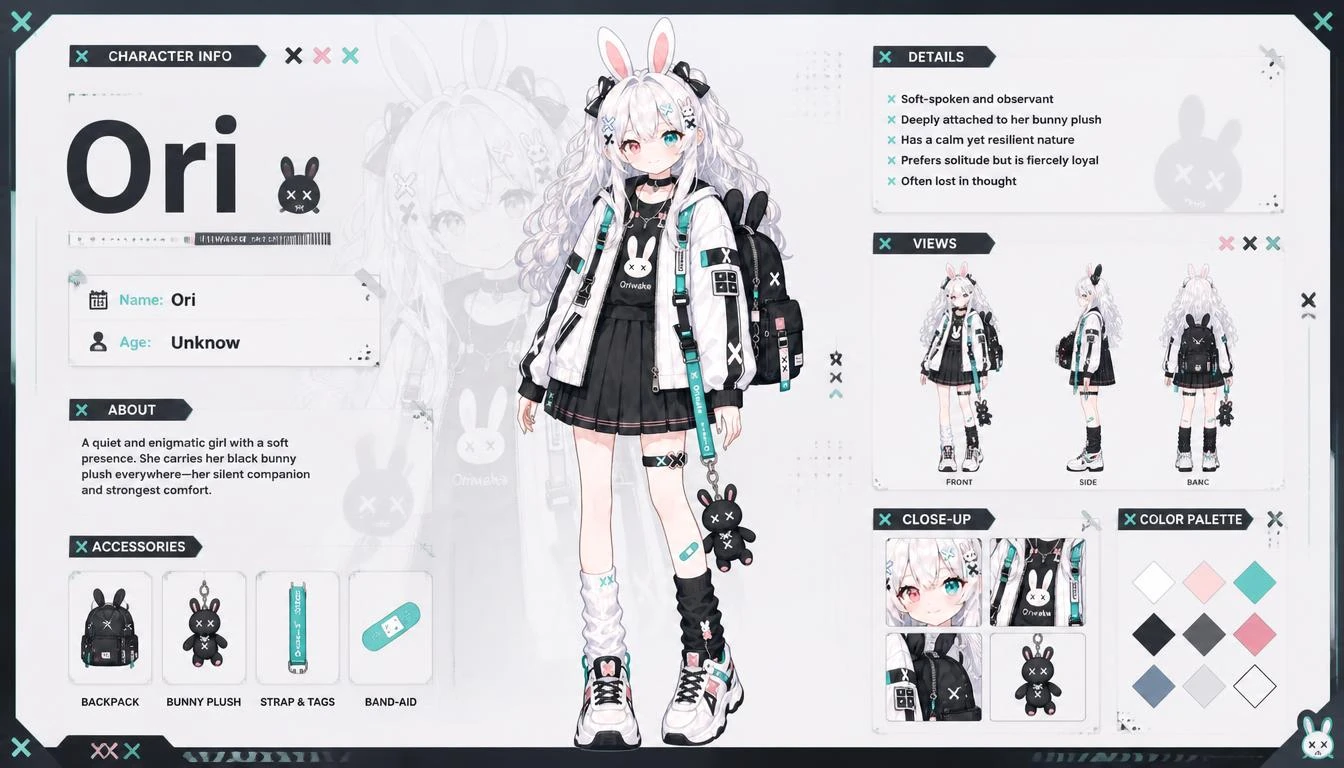
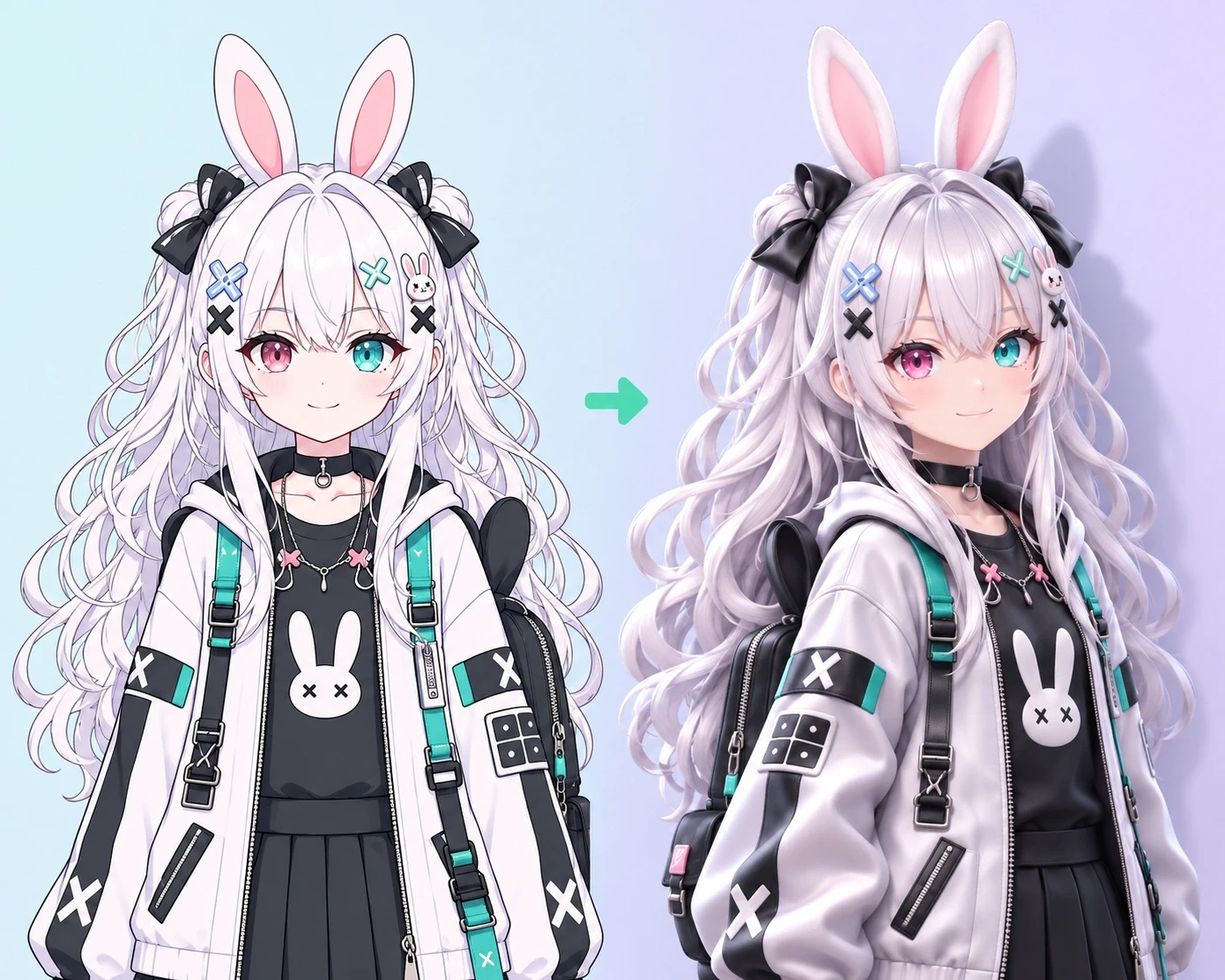
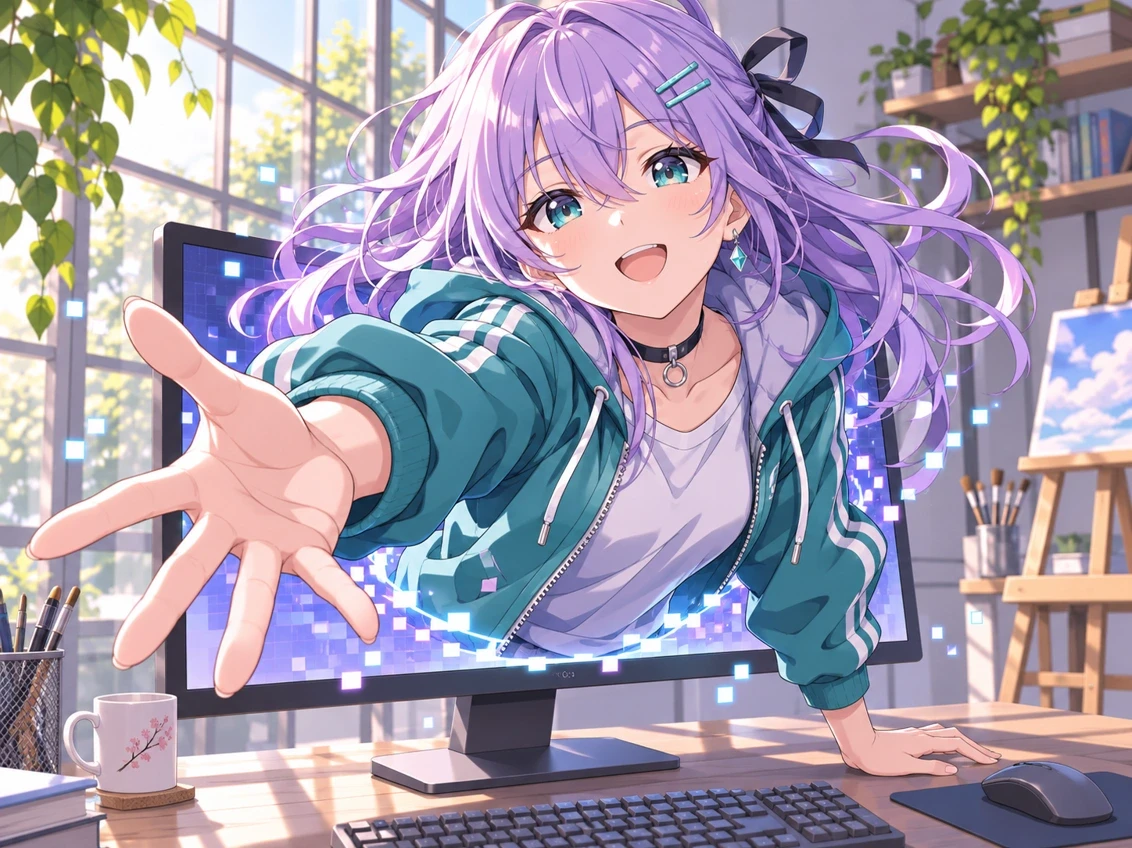
OC Coming to Life turns a still image of your original character into a short video where they appear to break through a computer screen and enter the real world. It’s a fun way to introduce a new OC, show off a redesign, or give your next character edit a memorable opening.
How to Make an OC Screen Breakout Video
Start with an image of the character you want on screen.
Upload Your Character
Choose a still image with one clear subject. Art that shows your character’s face and upper body gives the scene a recognizable starting point.
Set Up Your Video
Choose the duration, video resolution, aspect ratio, and number of outputs. Select 9:16 if you’re making a vertical clip.
Generate and Download
Run the effect, preview your OC’s entrance, and download the clip you want to use.
Give Your OC an Entrance
Reveal a New OC
Introduce a new character or show off a redesign. Start with the portrait on the monitor, then let the screen breakout reveal who’s on the other side.
Open a Short Edit
Put the moment your OC bursts into the room at the start of a Reel, TikTok, or Short. Cut from the entrance to your sketches, outfit details, or character lineup.
Set Up a Story Teaser
Use the monitor as the doorway between two worlds. Open your teaser with your OC crossing into the room, then cut to what happens next.